Machine Learning for Earth Systems Modelling - Course 3
Applications and Future Directions
Online training course 3
Cutting edge applications of ML in weather and climate science
October 2026
Online, self-paced
Overview
Discover how machine learning is being applied to real-world Earth system challenges and explore the emerging approaches shaping the future of weather and climate modelling. Under the Destination Earth (DestinE) initiative of the European Commission (DG Connect), ECMWF has developed a series of three online courses on Machine Learning for Earth Systems Modelling.
The courses offer a structured learning pathway, from foundations and context (Course 1) to advanced architectures (Course 2) and real-world applications (Course 3), showing how machine learning (ML) complements physical modelling and supports next-generation digital twins of the Earth.
This third and final course of the series, Machine Learning for Earth Systems Modelling: Applications and Future Directions, focuses on advanced applications of ML across weather, climate, and Earth Systems Science. Participants will explore how ML methods can be applied to extreme events, explainability and trust, foundation and hybrid models, sub-seasonal and long-range prediction, downscaling, coupled Earth systems, data assimilation, and end-to-end forecasting workflows.
With a strong hands-on emphasis, the course combines expert lectures and talks with Jupyter notebooks, readings, panel discussions and quizzes. It is designed both as the final step in the three-course learning pathway and as a collection of standalone advanced modules for experienced practitioners.
Course information and registration
Estimated study load: Approximately 16 hours
Format: Online, self-paced, primarily asynchronous, with a strong hands-on component
Participation: Free and open to anyone interested who meets the recommended prerequisites
If you are interested in taking the course, you can already register your interest by logging in and enrolling at the bottom of this page.
Objectives
By the end of this online course, Machine Learning for Earth Systems Modelling: Applications and Future Directions, you will have developed the knowledge and skills outlined in the learning outcomes below.
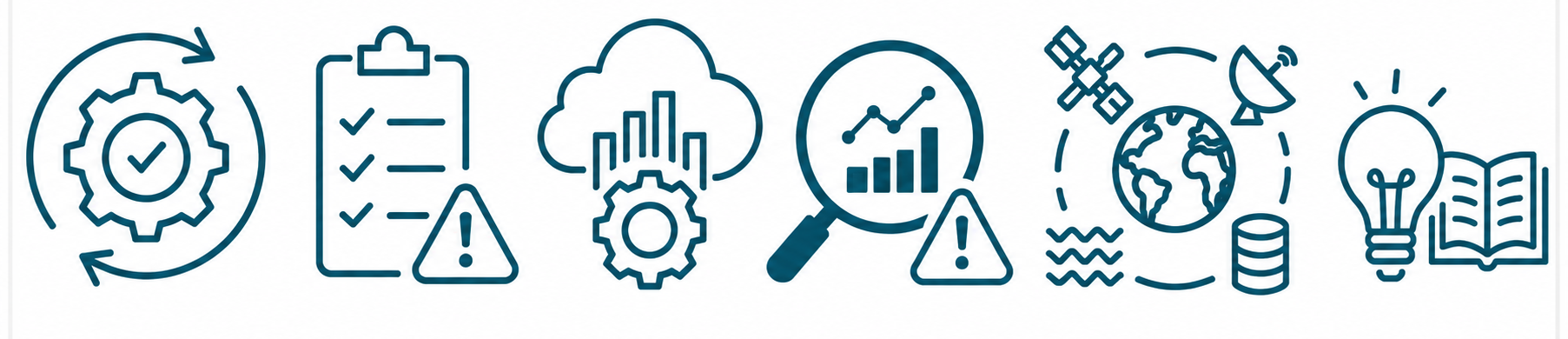
Implement ML workflows for real world Earth system applications
Evaluate the operational readiness, and limitations of ML based systems
Understand foundation and hybrid modelling strategies for Earth system science
Diagnose failure modes and instability in ML based forecasts
Apply ML approaches to downscaling, data assimilation, coupling, and long-range prediction
Critically assess emerging research directions in ML for weather, climate, and Earth system modelling
Target audience
This course is the third and final course in the three-part DestinE online training series on Machine Learning for Earth Systems Modelling.
Course 3 - Applications and Future Directions is an advanced technical course aimed primarily at:
Researchers and developers in weather, climate, and Earth-system science
Operational numerical weather prediction (NWP) and climate model developers
ML researchers working with environmental or geophysical data
Advanced PhD students and postdoctoral researchers
The course can be followed as the final step in the complete three-course programme or as standalone advanced modules by experienced practitioners with the required technical background.
Prerequisites
Participants are expected to have:
Familiarity with Python and Python-based ML ecosystems
Experience with NumPy/xarray and PyTorch or JAX
An understanding of the fundamentals of numerical weather prediction and Earth system modelling
Knowledge of core ML methods covered in Courses 1 and 2
Prior completion of Course 1 – Foundations and New Frontiers and Course 2 – Architectures, Data and Prediction is recommended for learners who do not already have equivalent knowledge and experience.
Course structure and content
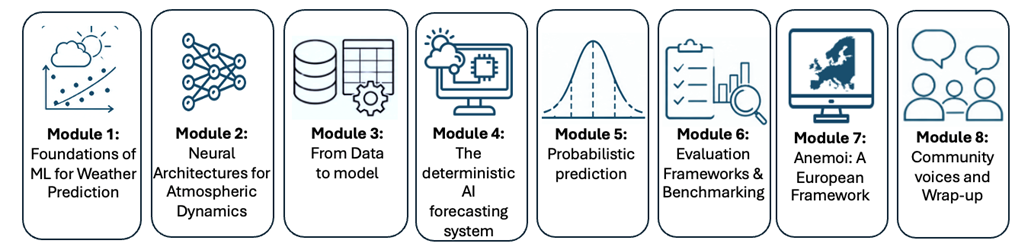
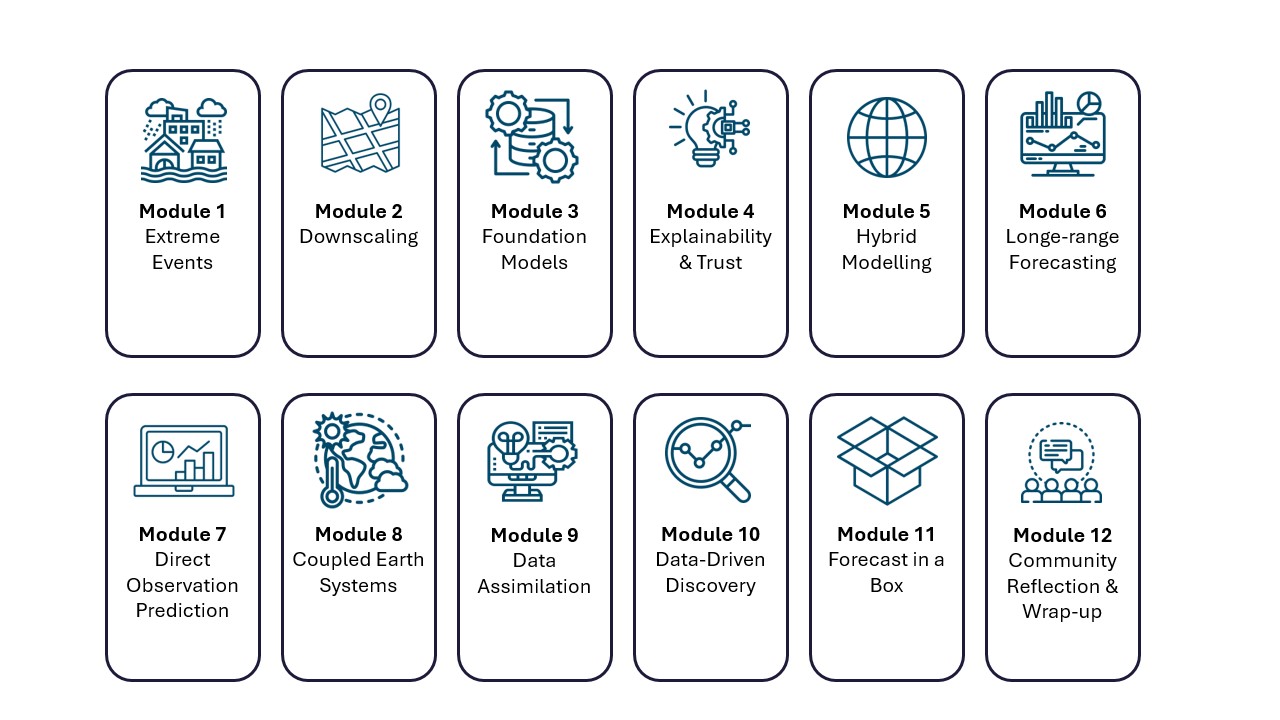
The course consists of 12 modules covering advanced applications and emerging directions in machine learning for Earth-system modelling. The modules move from applied ML workflows for extreme events to explainability, foundation and hybrid models, long-range prediction, downscaling, coupled Earth systems, ML-based data assimilation, end-to-end modelling, operational forecasting workflows, and data-driven scientific discovery.
The course has a strong practical emphasis. Learning materials include recorded lectures and expert talks, Jupyter notebooks using real-world workflows, Python scripts, demonstrations, readings, quizzes, reflective activities, and expert discussions.
The modules are:
Course lecturers and contributors
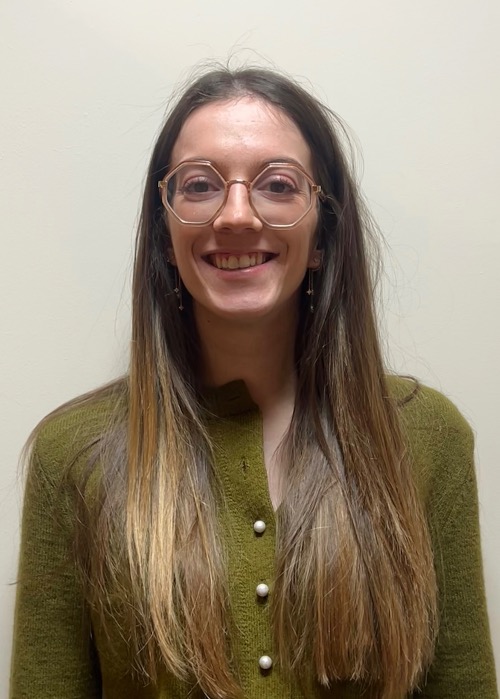
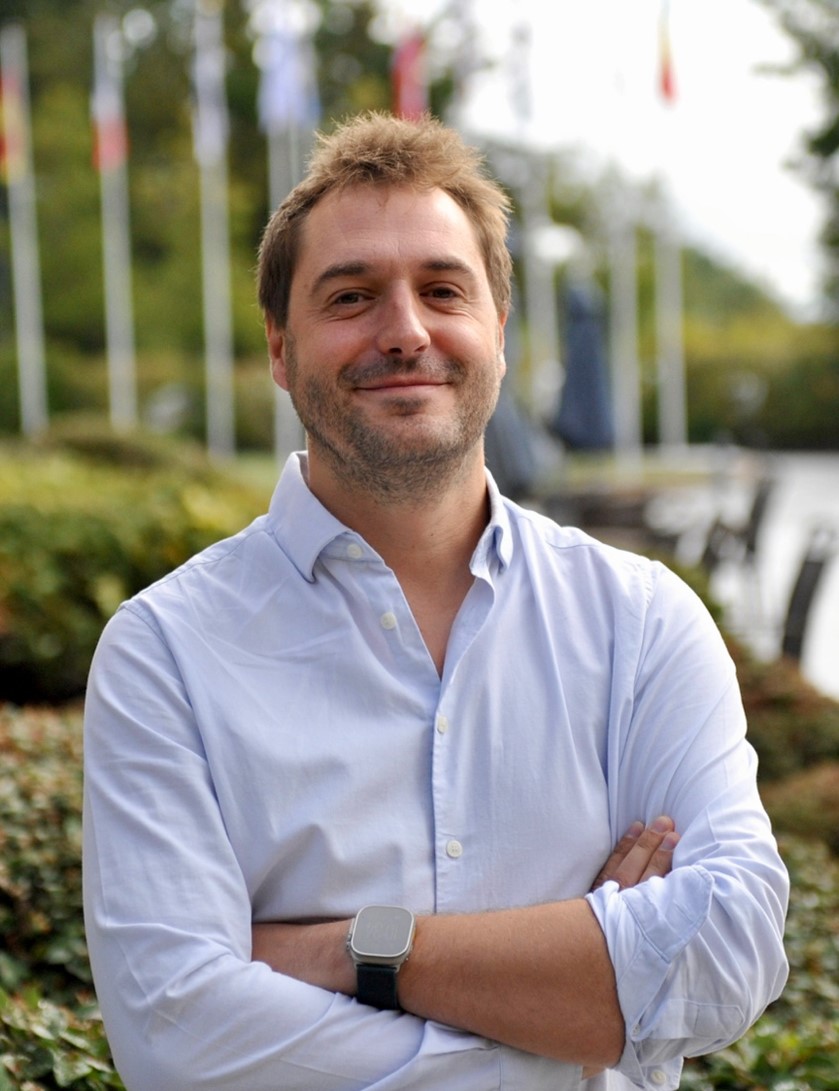
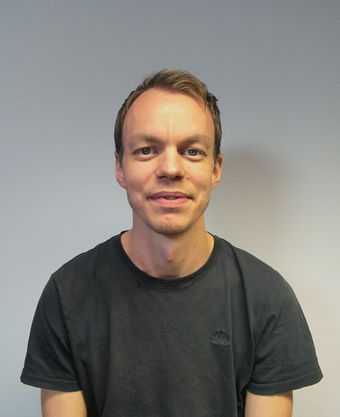
This course was created by ECMWF under the Destination Earth (DestinE) initiative of the European Commission’s DG Connect and contracted to Wageningen University (WU), in collaboration with the Karlsruhe Institute of Technology (KIT) and Wageningen Research (WR). Scientific content is provided by experts from ECMWF, academia, research institutes, meteorological organisations, and industry.
Contributors are involved in topics ranging from extreme-event applications and explainable AI to foundation models, hybrid modelling, long-range prediction, downscaling, coupled Earth systems, data assimilation, end-to-end forecasting, and data-driven discovery.
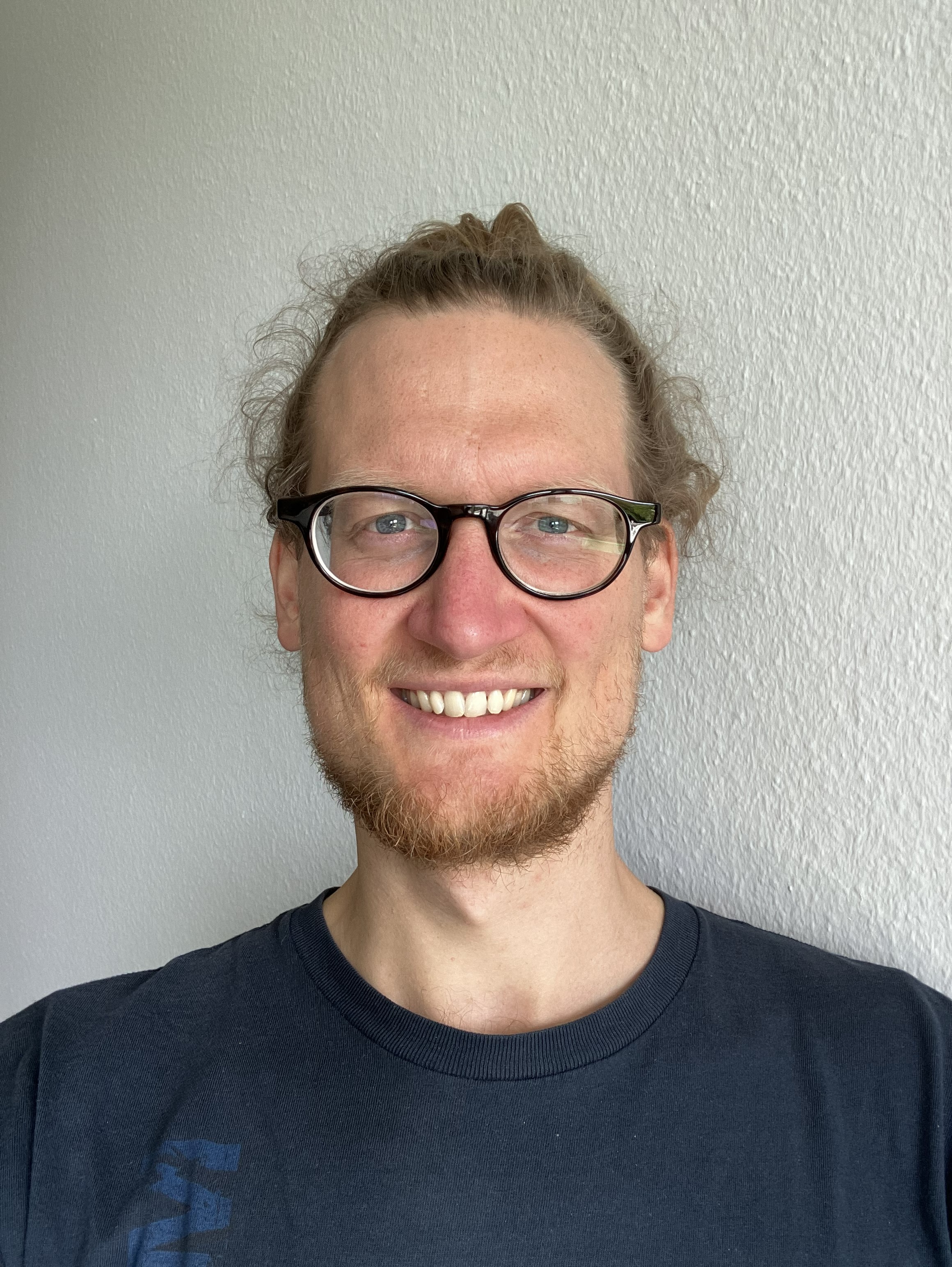
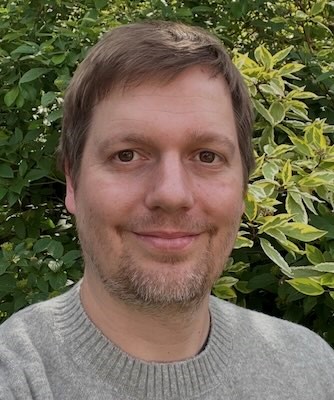
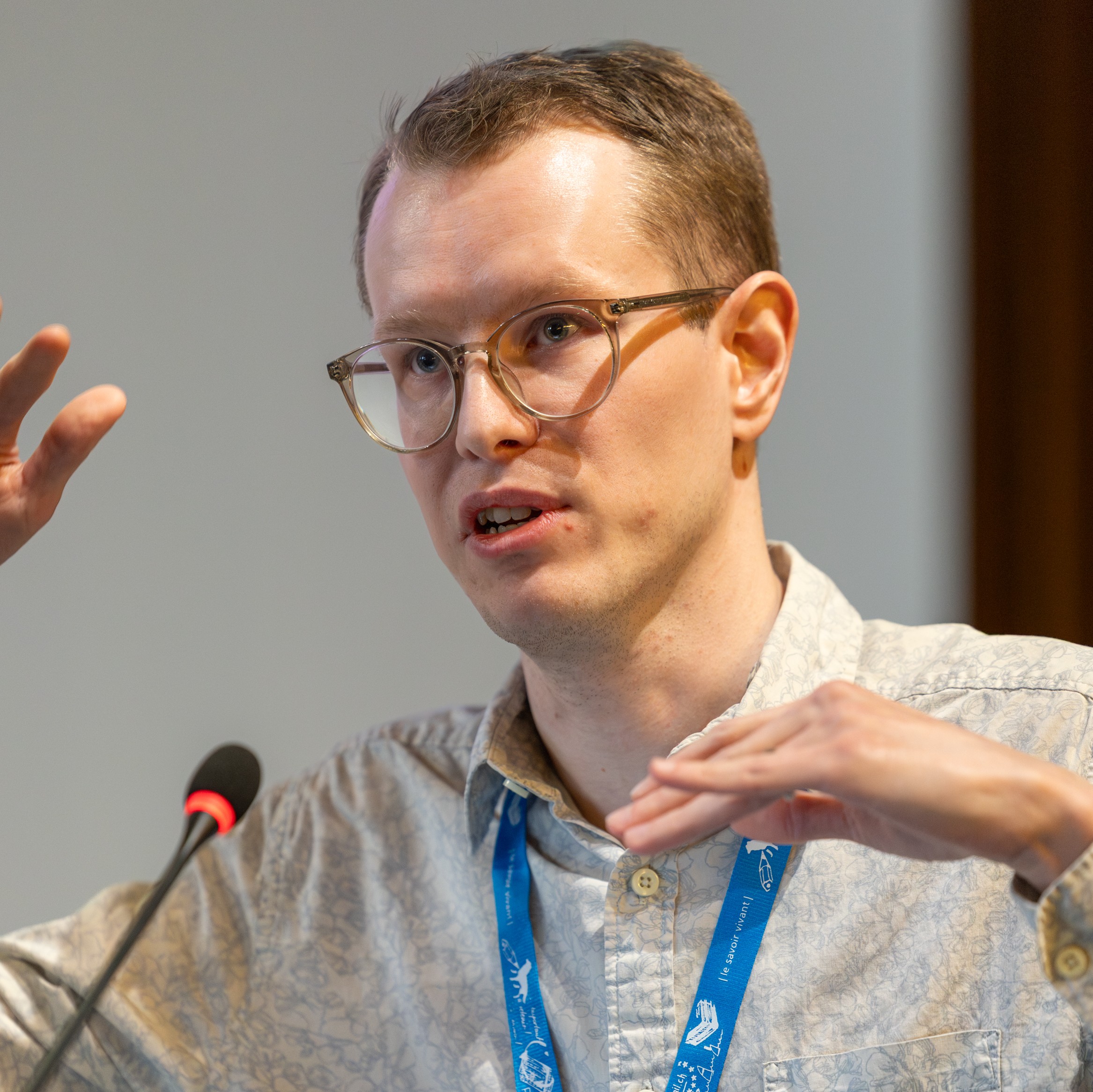
Experts include (to be updated):
- Eduardo Acuna Espinoza, Karlsruhe Institute of Technology (KIT)
- Carolina Natel de Moura
- Sebastian Engelke
- Richard Turner, University of Cambridge
- Veronika Eyring, German Aerospace Center (DLR) and University of Bremen
- Katie Kowal, University of Chicago
- Tijana Janjic
- Claire Monteleoni, INRIA
- Niklas Boers, Potsdam Institute for Climate Impact Research (PIK) and Technical University of Munich (TUM)
- William Gregory, University College London (UCL)
- Jesper Dramsch, European Centre for Medium-Range Weather Forecasts (ECMWF)
- Joffrey Dumont, European Centre for Medium-Range Weather Forecasts (ECMWF)
- Rachel Furner, European Centre for Medium-Range Weather Forecasts (ECMWF)
- Lorenzo Zampieri, European Centre for Medium-Range Weather Forecasts (ECMWF)
- Alan Geer, European Centre for Medium-Range Weather Forecasts (ECMWF)
- Eulalie Boucher, European Centre for Medium-Range Weather Forecasts (ECMWF)
- Mihai Alexe, European Centre for Medium-Range Weather Forecasts (ECMWF)
- Patrick Laloyaux, European Centre for Medium-Range Weather Forecasts (ECMWF)
Harrison Cook, Research Scientist at the European Centre for Medium-Range Weather Forecasts (ECMWF)